AI has reshaped expectation for documentation and content operations. Technical writers are not evaluating the tools based on the authoring or publshing features any more, now they are looking for how effectively these tools can save time on their daily workflow.
In recent months, it seems like every tech comm tool marketed to technical writers has "AI-powered" in its name. Companies know this label helps sell their products, and many tech writers are eager to use AI features to keep their skills up to date.AI Powered documentation tools aim to solve the documentation team challenges, they are asked to produce more content with short timelines, manage large knowledge base and support multiple product release content. But with so many tools claiming to be AI-powered, it's hard to know what that really means. What can these tools actually do? Are they worth trying out? To help answer these questions, here are 5 popular documentation tools that use AI and break down what each one offers.
What is An AI-Powered Documentation Tool?
AI-powered documentation tools can refer to software that uses AI to increase the productivity of technical writers. For example, AI-powered search might be used to help users find the documentation they need in a knowledge base — this can be done several times faster than regular search and is sensitive to natural language.
AI-powered documentation tools can also help technical writers create documentation by generating outlines and helping change the tone of content. Many documentation tools and modern help authoring tools use a ChatGPT-style interface to jumpstart the production of documentation for any technical writer who uses the system.
Key AI Capabilities Transforming Modern Documentation Teams
Some of these AI tools may be ones you’re already using, with updates that include AI-based features. The AI-based tools that are available throughout the tech comm industry include:
-
Draft development: By providing outlines and drafts of articles, AI gives technical writers a great tool for tomorrow's article.
-
Proofreading documents: AI can automatically check for spelling and grammatical errors. This will allow writers more time to spend proofreading their own documents.
-
Automating repetitive tasks: AI will also assist with a large number of repetitive tasks that have to be done. This includes creating meta tags, designing frequently asked questions, and producing glossaries.
-
Localising content: AI can help you localize your documentation by translating the content of your knowledge base to suit a particular audience. similar support can also benefit students working with international sources or complex academic material, especially those searching for help with phrases like write my research paper for me.
-
Identifying duplicate content: AI can tell you which content is similar in your knowledge base, providing you with insights to identify the duplicate content in your documentation.
-
Suggesting SEO tags: AI can suggest SEO tags like meta title by analysing the content and generate concise and releavant description ensures that content is optimized for search engines.
-
Generating FAQs: AI can create frequenty asked questions based on the article conten.l
-
Summarizing the article: AI can sumarize the lenghty article and help writers to grasp essentail information.
5 AI-Powered Documentation Tools
Now that we’ve explored general AI features at a high level, let’s jump into more specifics. In the following sections, we’ll look at five popular documentation tools and their AI features.
1. Document360
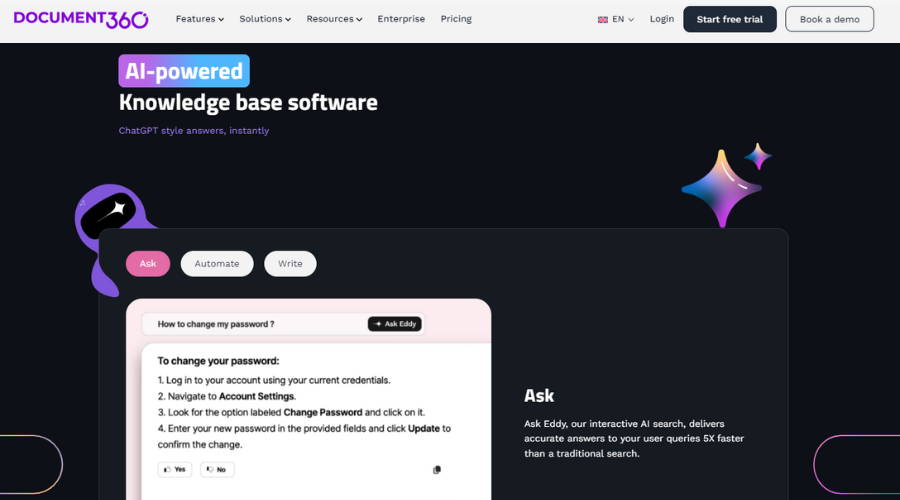
Document360 is an AI-powered documentation tool that offers technical writers “Eddy AI,” Document360’s own AI assistant. When you use Document360, Eddy AI helps improve your users' search, making it five times faster than a regular search. Eddy AI understands natural language to easily return the results that your users are looking for, even without an exact match.
On the authoring side, Eddy AI can help technical writers create articles from a prompt, write meta tags and titles, generate FAQs, and build glossaries to make documentation more comprehensive.
Generative AI can also recommend article tags to make your content more findable. And you can use Eddy AI to create summaries of your articles, making them easier for users to consume. Everything about Eddy AI is geared towards creating better documentation and making your content more discoverable by users on the knowledge base side.
Document360 can detect duplicate content using its duplicate content detector, which scans your entire knowledge base and highlights similar articles.This helps tech writes to reduce the duplicate content in the knowledge base and clean up the outdated or repetative information.With Floik AI, you can create step by step interactive product walkthroughs which make easy to transform the complex procedure into clear guidance, imporving the product adoption.
Pricing: Document360 offers multiple plans like Professional, Business, & Enterprise. For the exact price you need get a quote from their sale teams. Its also provide 14 days free trial for you to explore all the features
2. MadCap Flare

MadCap Central is a help authoring tool that uses the power of ChatGPT as AI Assist to bring AI to its platform. Technical writers can request ChatGPT and receive a response directly within MadCap Central, and also train ChatGPT on their existing content to receive responses in the company’s voice.
The AI Assist interface allows technical writers to edit and format ChatGPT responses to customize the output to suit their project. ChatGPT text can be inserted directly into a document within MadCap Central, enabling technical writers to construct documents with AI Assist as they work.
MadCap Central shows technical writers the difference between original text and text generated by ChatGPT. The content editor supports text translation directly within the editor, allowing translation as you work for easy localization.
Pricing:
-
Madcapflare offers at $250 per user/month. If you are looking for 3 to 5 authors accounts, you’ll need to request a custome quote from their sales team.
3. GitBook
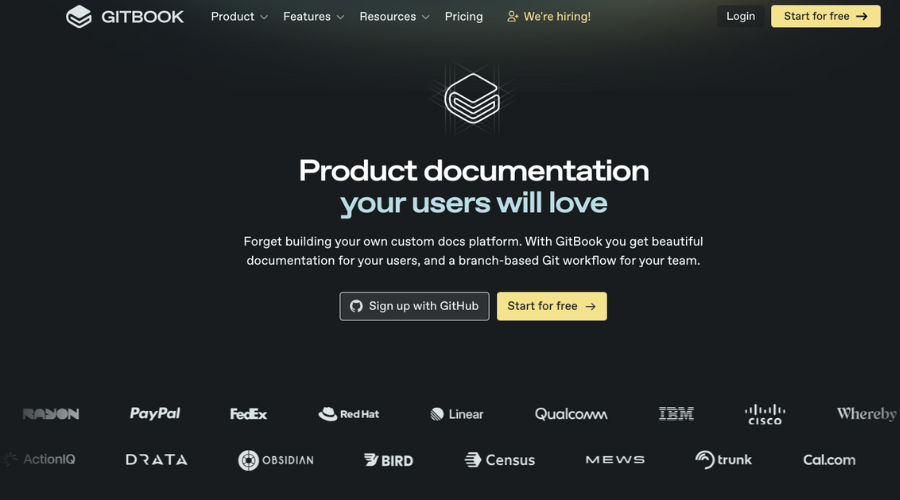
GitBook is an AI-powered documentation tool that works with GitHub to help you create technical docs for your users. GitBook uses generative AI to shorten, translate, or simplify any text you want and even write a first draft of an article for you. GitBook AI is trained on your documentation and serves up answers to seemingly any questions users ask it.
You can use GitBook AI to ideate your documentation and get started with writing much more quickly. You can ask AI to explain something, write a paragraph, or even write code for you. GitBook AI changes your writing to be better overall, so you can rely on the software to improve your internal or product docs.
GitBook AI is a great addition to your technical writing process, allowing you to work closely with GitHub to easily generate code or ideas for articles with a minimum of fuss. You can fix spelling and grammar errors, or change the tone of your documentation to better match your audience.
Pricing:
-
Free plan: US $0 per site/month (1 free user)
-
Premium plan: US $65 per site/month + US $12 per user/month
-
Ultimate plan: US $249 per site/month + US $12 per user/month
-
Enterprise plan: custom pricing
4. ClickHelp
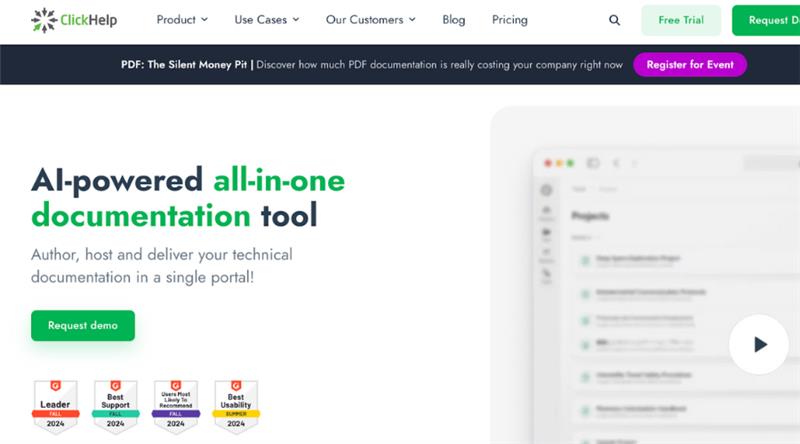
ClickHelp is an AI-powered all-in-one documentation tool that allows you to write and publish docs all in one system. WriteAssist, built directly into the topic editor, is ClickHelp’s AI writing assistant to support technical writers.
WriteAssist can create new topics for your technical writers, change existing topics to simplify or improve them, and correct spelling and grammar errors right within the editor. WriteAssist is accessed through a small popup or home tab ribbon, where you can highlight particular text to make edits.
It’s important to note that there’s a limit to the number of requests your users can make to the WriteAssist writing assistant. There’s a combined daily user cap and an individual user cap.
Pricing:
-
Starter plan: US $185 per month
-
Growth plan: US $310 per month
-
Professional plan: US $610 per month
5. Archbee
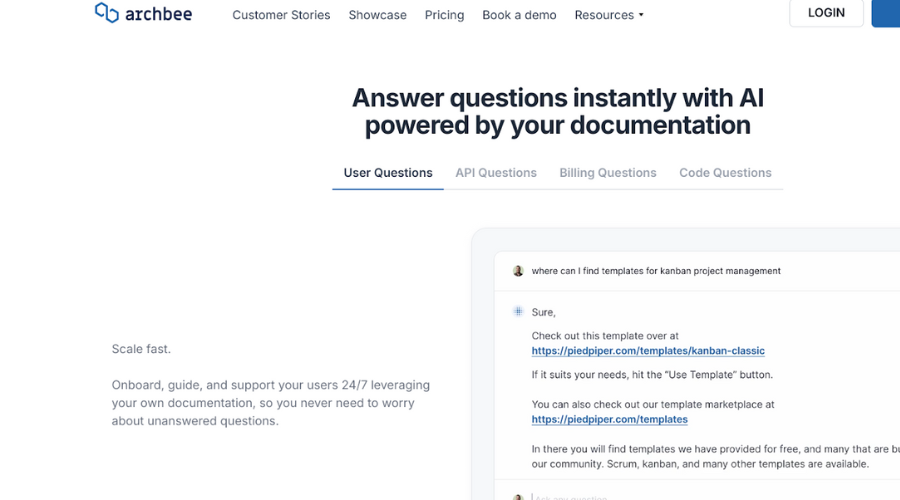
Archbee helps you come up with instant answers for documentation using generative AI to create, ship, and maintain documentation. For example, Ask AI is an optional add-on for Archbee that offers generative AI-powered search, helping users find the answers they seek in your Archbee knowledge base.
Write Assist helps you create documentation by suggesting changes based on existing documents, API references, and GitHub code files. It’s an example of Archbee using AI to generate documentation 50% faster than if writing manually.
Users interacting with Archbee can get instant answers with AI-enhanced documentation powering the search; the search can also offer answers directly based on what has been written before.
Pricing:
-
Growing plan: US $50/month.
-
Scaling plan: US $200/month.
-
Enterprise plan: custom quote
Conclusion
Tech comm tools are still in the beginning phases of incorporating AI. Currently, the tools don't just help users find information faster with AI chatbots; they're also changing how writers create and update documentation itself. Technical writers can now bypass the blank page and start with an AI-generated first draft that gets them at least halfway to the finish line on most documentation tasks.
This enhanced productivity creates a positive feedback loop: as technical writers create more comprehensive documentation, the AI interfaces become better at serving relevant information to users. But keep in mind that not every tool labeled "AI-powered" works the same way. While many companies are using the label, each tool has its own strengths and special features. This overview should help you understand what makes each tool different and find the right one for your needs.
An AI-powered documentation tool uses artificial intelligence to enhance writing, editing, search, translation, or automation tasks. These features streamline content creation and help users find information more quickly.
Yes. Most AI documentation tools include guided prompts, tone adjustments, grammar checks, and automated outline generation, making them beginner-friendly.
No. AI tools can support technical writers by speeding up workflows and improving clarity, but human expertise is still required for accuracy, context, and decision-making.
The best tool depends on your needs—Document360 is strong for AI search, GitBook is excellent for GitHub-integrated workflows, Archbee excels at API-driven documentation, ClickHelp is great for all-in-one authoring, and MadCap Central offers a wide range of sophisticated features.