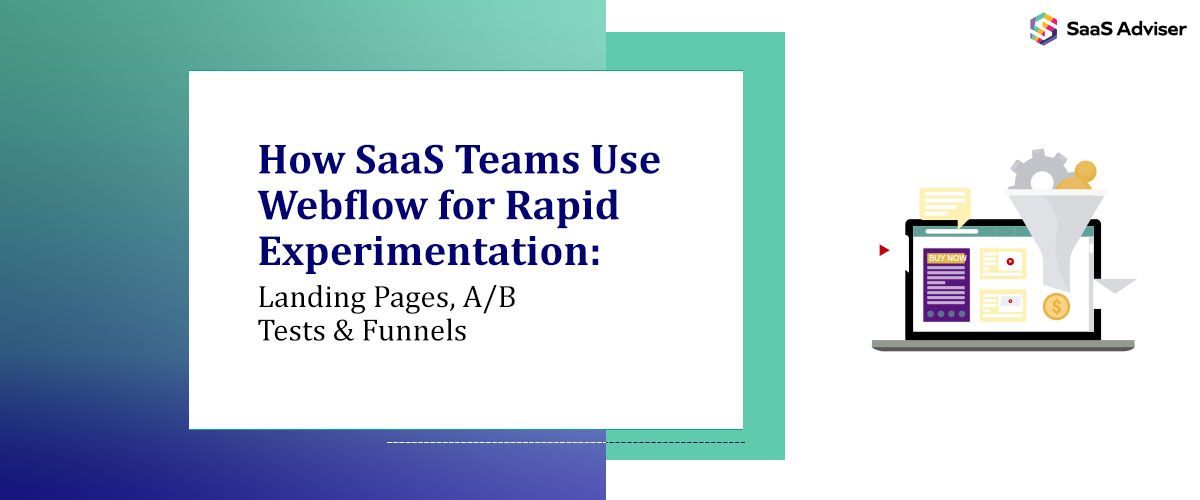
Shipping experiments fast is how you figure out what actually makes people sign up, book a demo, or upgrade. Every new landing page, headline variation, and pricing test gives you data you can rely on, not opinions or instinct.
Traditional dev cycles rarely match that pace. When engineers own every layout tweak and new page, ideas die in the backlog or launch weeks after they are relevant. Webflow changes that balance by giving your marketing, growth, and product teams a way to move quickly without wrecking code quality or SEO.
Why Webflow Fits Rapid SaaS Experimentation
When Webflow powers your marketing site, ideas turn into live experiments in hours instead of sprints. You publish, measure, and adjust without waiting for a deployment window.
Your engineering team stays focused on the product, not static pages. They ship features while you ship tests on the Webflow layer. That separation keeps you moving fast without creating chaos.
-
Decoupling Marketing From Core App Development
Your app and your marketing site do not need the same release schedule. By running landing pages and core marketing content in Webflow, you can move independently from the product codebase.
You create, update, or retire pages without a pull request or release train. That removes cross‑team friction and avoids the recurring argument about whether engineers should pause roadmap work for “just one more” campaign.
-
A Visual Workflow That Matches How Marketers Think
Webflow’s visual editor lets you design pages the way you already picture them in your head. You adjust sections, spacing, and hierarchy directly, then refine details with classes and styles.
Instead of sending tickets like “move this section up” or “make this CTA bigger,” you handle those changes yourself. That direct control shortens feedback loops and keeps experiments aligned with current copy and research.
-
Built-In Hosting, SSL, and Performance
Infrastructure no longer blocks your tests—hosting, SSL, and performance optimizations run in the background, letting your focus be on messaging and UX.
Think fast loads, responsive layouts, and clean HTML/CSS: these give each experiment a fair shot with users and search engines. Results reflect your ideas, not a slow stack.

Designing and Shipping High-Converting Landing Pages
Organization-wise, the hero section, social proof, feature grid, pricing, FAQ, and resource blocks require the flexibility Webflow offers.
You keep the same building blocks but vary the order, emphasis, or length to test different story arcs. That balance of reuse and flexibility keeps your brand consistent while still letting you experiment.
-
Copy-First, Design-Supported Experiments
Most meaningful lifts come from stronger messaging, not louder visuals. In Webflow, it’s more straightforward to edit headlines, subheadlines, and CTAs directly in the designer or CMS.
Frame the same product as a way to save time, reduce risk, cut costs, or unlock revenue, and the best part is you can then see which angle drives more demos or sign-ups. Copy stops being the final polish and becomes the main lever.
Because Webflow lets you connect pages to a CMS, you can manage multiple variations of headline formulas, benefit bullets, and proof points inside structured content. That makes it easier to roll a winning message out across the rest of your site instead of leaving it buried on a single landing page.
-
Aligning Landing Pages With Paid and Product
Landing pages sit between your ads and your product. Webflow gives you the flexibility to mirror ad messaging and then hand users off into onboarding flows that feel coherent.
When paid teams test new keywords or creative, you can spin up matching pages quickly so visitors see the same promise they clicked on. That alignment improves conversion rates without changing a single feature.
Running A/B Tests Without Slowing Engineers Down
The real challenge is running enough tests without burying engineering in small requests. If every experiment needs code changes, QA, and coordination, only large bets ever ship.
With Webflow, marketing and growth teams own most web experiments. You connect Webflow to testing and analytics tools, define variants, and track impact while the core app remains untouched.
Webflow plays well with dedicated testing platforms. You can embed scripts from tools like VWO or Optimizely, or use product‑led platforms that support URL‑based experiments.
In practice, professional Webflow development enables fast page creation, while the experimentation platform manages targeting, randomization, and stats. That mix keeps your stack simple and your tests trustworthy.
-
Simple Variants for Headlines, CTAs, and Layouts
Not every idea deserves a complex setup. For smaller tests, you duplicate a page in Webflow, change the elements you care about, and split traffic between URLs using your testing tool or ad platform.
This lightweight approach works well for trying different offers, hero layouts, pricing formats, or proof sections. When the data points clearly point to a winner, you promote that version and retire the other.
-
Tracking Beyond Clicks: Events and Funnels
A form fill is not the finish line for SaaS. You need to know your performance on GA4, product analytics, and server‑side tracking to trace cohorts from specific landing pages through onboarding and into in‑app behavior. That longer view helps you prioritize experiments that create high‑value customers, not just more leads.

Building and Iterating on Funnels With Real Data
Webflow gives you a flexible front layer for that entire journey. You treat funnels as living systems that evolve as you learn, rather than static paths you set once and ignore.
Start by mapping funnel stages to specific URLs you control. One page might handle cold paid traffic, another retargeting, another partner referrals, and another product‑qualified leads.
Each of those pages carries its own promise, objections, and next step. When your structure looks like that, you avoid serving the same generic pitch to visitors who are in very different stages.
-
Using CMS Collections for Segmented Experiences
Webflow’s CMS tools lets you create collections for industries, personas, use cases, or features. From there, you generate sets of pages from structured content instead of rebuilding layouts from scratch.
SaaS teams that sell into multiple verticals benefit a lot from this setup. One template can power dozens of tailored pages that share a design system but show different case studies, benefits, and CTAs.
You can even connect these CMS-driven pages into segmented email flows or in-app experiences. Someone who converted on a “Fintech compliance” page should see very different onboarding nudges than someone coming from a “RevOps automation” angle.
-
Closing the Loop With Analytics and Feedback
A funnel can only be made better by attentively examining what people actually do - events, form tracking, and tagged links reveal the points at which visitors pause, leave, or proceed.
Add comments from user interviews, chat logs, support tickets, and sales calls to that data. Both sources' patterns lead you to trials that address actual friction rather than aesthetic problems.
Keeping Experiments Maintainable and SEO-Safe
Fast experimentation is useful only if your site stays stable and search‑friendly. Without some structure, you end up with duplicated content, orphaned variants, and broken links.
A thoughtful Webflow setup keeps you agile while protecting long‑term SEO and brand consistency. You treat experiments as part of a system instead of disposable one‑offs.
-
Clear Naming, Structure, and Versioning
Vague page names and messy URL patterns slow everyone down. By defining conventions for pages, folders, classes, and variants, you make it obvious which assets are live, which are tests, and which are safe to retire.
You can group experimental pages in dedicated folders or use clear URL patterns, then redirect once a winner is chosen. That discipline keeps your project understandable even after dozens of tests.
-
Templates and Design Tokens for Brand Consistency
Redesigning is not always necessary for speed. All Webflow pages have uniform font, colors, and spacing thanks to global styles, variables, and components.
Maintaining consistency keeps your data clean and fosters confidence. Instead of making haphazard visual adjustments that make analysis more difficult, you examine messaging and structure.
-
SEO Hygiene While You Move Fast
Each variation comes with SEO trade-offs. Over time, inadequate internal linking, thin test pages, and duplicate material can all negatively impact performance.
You have fine-grained control over canonical URLs, redirects, and meta tags using Webflow. You avoid confusing search engines by employing alternatives for campaigns and tests while maintaining a clear canonical version for each major issue.
Before you launch a new batch of experiments, take a moment to agree on naming conventions, canonical rules, and cleanup routines. That bit of upfront hygiene means you can run aggressive testing programs for months without turning your site into a maze of half-dead URLs.
Conclusion
Webflow transforms a SaaS marketing website from a static piece into an experimentation engine. One of the largest growth bottlenecks dissolves when your team can ship landing pages, modify funnels, and conduct A/B tests without the need for technical tickets.
Additionally, you get a clearer picture of which concepts merit actual investment. Visitors vote with sign‑ups, demo requests, and product usage, not opinions in a meeting. Webflow becomes the place where hypotheses ship, and analytics tools decide what stays.
Treat your Webflow setup as a system with structure, guardrails, and a clear link to product and sales. That approach gives you both speed and stability, so experiments feel safe to run and simple to fold into your main experience.
Because SaaS teams experiment constantly. Webflow lets you ship those experiments without waiting on an engineering sprint or a full deploy. You can quickly adapt landing pages, funnels, and messaging to support product changes, new pricing, or fresh campaigns while engineers stay focused on the app itself.
Yes, as long as the project is set up with clear components, global styles, and guardrails. Marketers can edit copy, images, sections, and CTAs without touching fragile layout logic. A solid initial build plus simple internal guidelines goes a long way toward keeping experiments safe.
At the very least, you should link your primary testing platform, a product analytics solution, and analytics (like GA4). When combined, they show you each experiment’s traffic, conversion, and in-app behavior. You can then judge tests not just by form fills, but by retention, expansion, and revenue.
Plan for SEO before you launch tests. Keep one canonical URL for each core topic, use variants for specific campaigns, and set proper canonical tags. Clean up retired test pages with redirects and avoid creating dozens of thin, near-duplicate URLs. Webflow gives you the controls; you just need a simple process around them.

.jpg "What is Lead Capture Software and Why Does Your Business Need It?")