Nothing torpedoes a polished promo faster than a watermark. Unscript. ai found that on-screen logos "undermine your brand's credibility and professionalism." The better news? Six AI video makers now let you export crisp, logo-free clips for free—each with its own trade-offs in termsens trial clocks, or resolution caps.
We put Leonardo.ai's Veo-3 model head-to-head with five leading alternatives to show exactly what their "free" tiers cover. Expect clear limits, honest costs, and real-world use cases so you can publish with confidence—no logos in sight.
How we chose and compared these tools.
To keep the review fair, we set one rule: you must be able to press Export, download the file, and see no branding at all—not a logo, our card, or fine-print overlay.
From there, we logged every hidden trade-off that can slip into a "free" plan: daily tokens, trial clocks, resolution caps, and any other limit that could derail a real project. We also tested day-to-day usability because even the smartest model is useless if the interface feels like a flight deck.
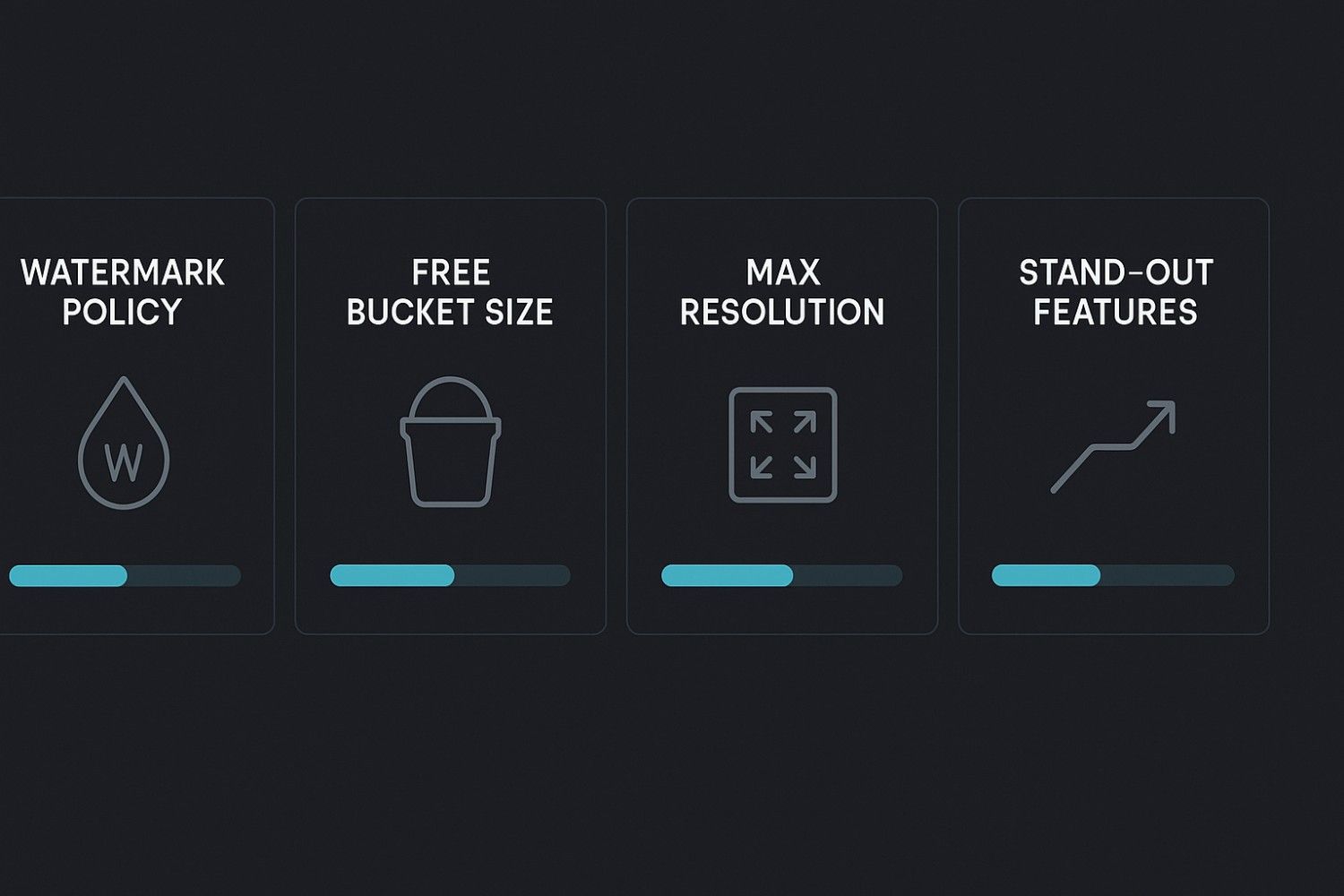
We scored each platform on five factors:
-
Watermark policy on the free tier
-
Size of the free bucket (credits, minutes, or projects)
-
Maximum resolution and clip length you can reach without paying
-
Stand-out features that offset the limits
-
Learning curve and total time from idea to finished export
With those filters in place, you'll see how each tool fits real creative workflows. Up first: the true generative engines.
Magichour.ai– Image to Video: Fast Visual Animation Without Complex Editing
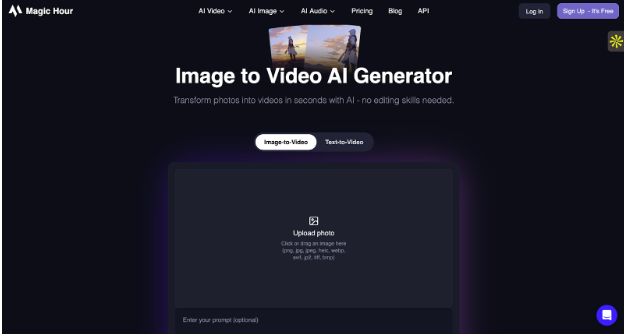
Magichour Image-to-Video is an AI-powered tool that transforms static images into short, dynamic video clips. Designed for creators who want quick motion effects without learning professional editing software, the platform allows you to upload an image, apply AI animation, and generate a ready-to-share video within minutes.
Unlike traditional video editors, Magic Hour focuses on simplicity and speed. Whether you're turning product photos into promotional clips or animating artwork for social media, the tool delivers smooth motion effects with minimal setup.
What you get for free :-
Magic Hour enables users to convert images into engaging animated clips suitable for social media, marketing campaigns, and digital presentations. The platform is web-based, meaning there’s no need for heavy downloads or advanced technical skills.
Users can experiment with different motion styles and quickly export videos optimized for platforms like Instagram Reels, TikTok, and YouTube Shorts.
Advantages :-
Beginner-Friendly Interface:
The platform is simple and intuitive. Upload an image, choose animation settings, and generate your clip without complicated workflows.
Strong Image-to-Video Performance:
Magic Hour excels at adding motion to existing visuals, making it ideal for designers and marketers who already have static creative assets.
Fast Rendering:
Videos generate quickly, making it suitable for rapid content production and tight marketing deadlines.
Great for Social Media:
Short-form content works well for reels, ads, hero banners, and promotional snippets.
No Advanced Editing Required:
You don’t need prior experience in video editing tools to create professional-looking animated clips.
Disadvantages :-
Short-Form Focus:
Primarily designed for short videos rather than long-form storytelling.
Customization Limits:
Advanced cinematic controls may be limited compared to professional video editing software.
Internet Dependency:
As a cloud-based tool, a stable internet connection is required.
No Built-In Complex Editing Timeline:
Not ideal for multi-scene projects requiring detailed sequencing or advanced transitions.
Leonardo.ai (Veo-3): short clips, zero branding
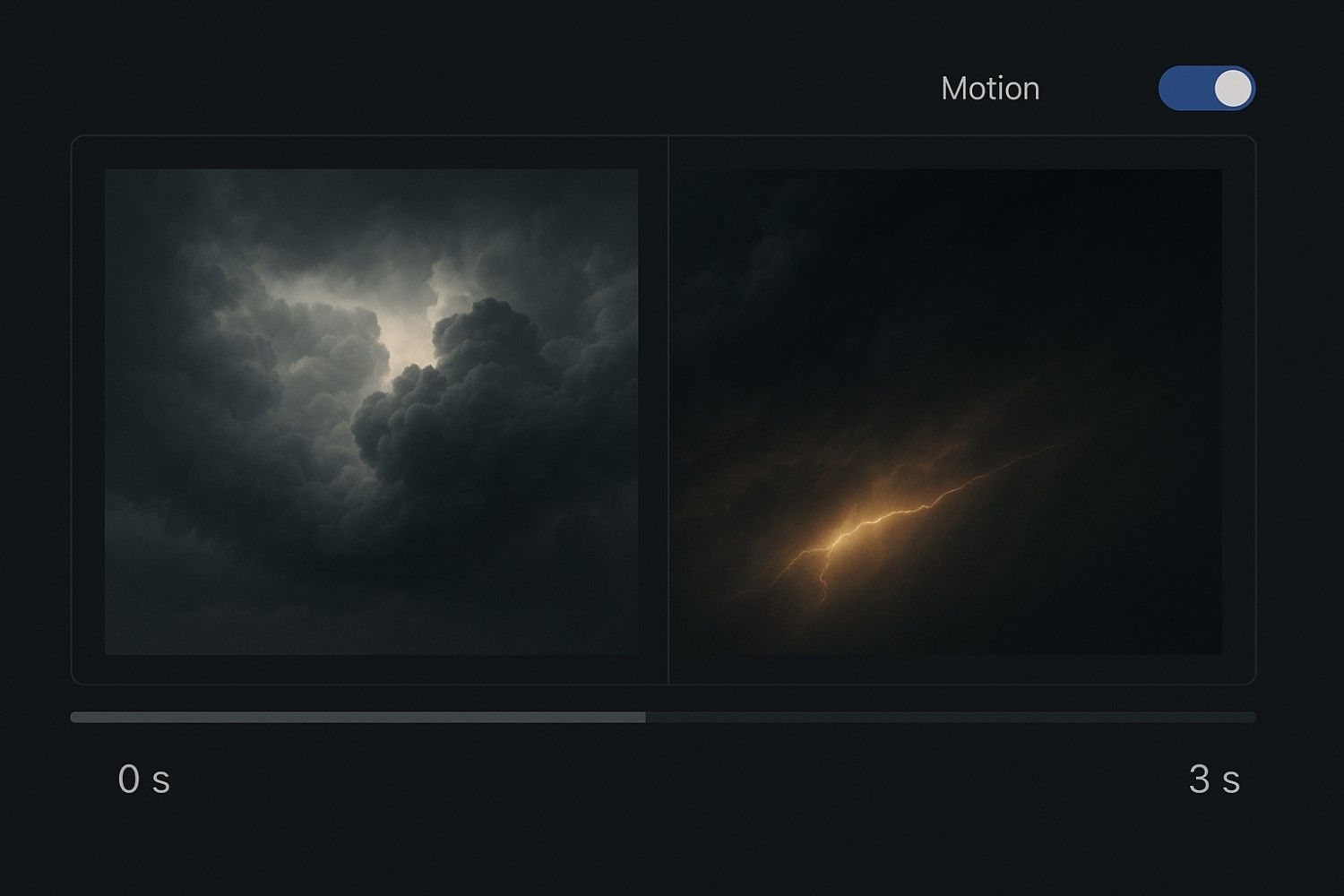
Leonardo.ai began as an image generator and later added a Motion toggle to its video menu. Upload a still (for example, rolling storm clouds), select Generate, and a three-second clip downloads without logos or outro cards.
What you get for free
Every account refreshes with 150 tokens each day. Motion 1.0, the only video model on the free tier, costs 25 tokens per three-second, 480p render (according to Leonardo.ai documentation). That equals roughly six micro-videos per day—enough B-roll for social teasers, hero banners, or animated mood boards.
Advantages
-
Daily token refresh: Unlike one-time credits, your 150 tokens reset every 24 hours, making this viable for ongoing projects rather than just quick experiments.
-
Image-to-video strength: The Motion feature excels at bringing existing artwork to life, ideal for designers who already have static assets they want animated.
-
Low learning curve: If you've used any image generator before, Leonardo's interface feels instantly familiar with minimal onboarding time.
-
Consistent quality: Motion 1.0 delivers predictable results with fewer bizarre artifacts compared to early-stage text-to-video competitors.
-
No signup complexity: Standard email registration with no phone verification or credit card required upfront.
Disadvantages
-
Severe length restrictions: Three to four seconds makes traditional storytelling nearly impossible; you're limited to micro-moments and loops.
-
Resolution ceiling: 480p looks acceptable on mobile feeds but falls apart on desktop monitors or large displays.
-
No audio generation: Free tier videos remain silent unless you add sound in post-production separately.
-
Limited daily output: Six clips per day caps your productivity if you're building multiple projects simultaneously or running A/B tests.
-
Advanced features paywalled: The more impressive Veo 3.x model with synchronized audio and longer durations requires a paid subscription.
-
No batch processing: Each clip must be generated individually, adding friction to high-volume workflows.
Runway ML: a sandbox for experimental clips
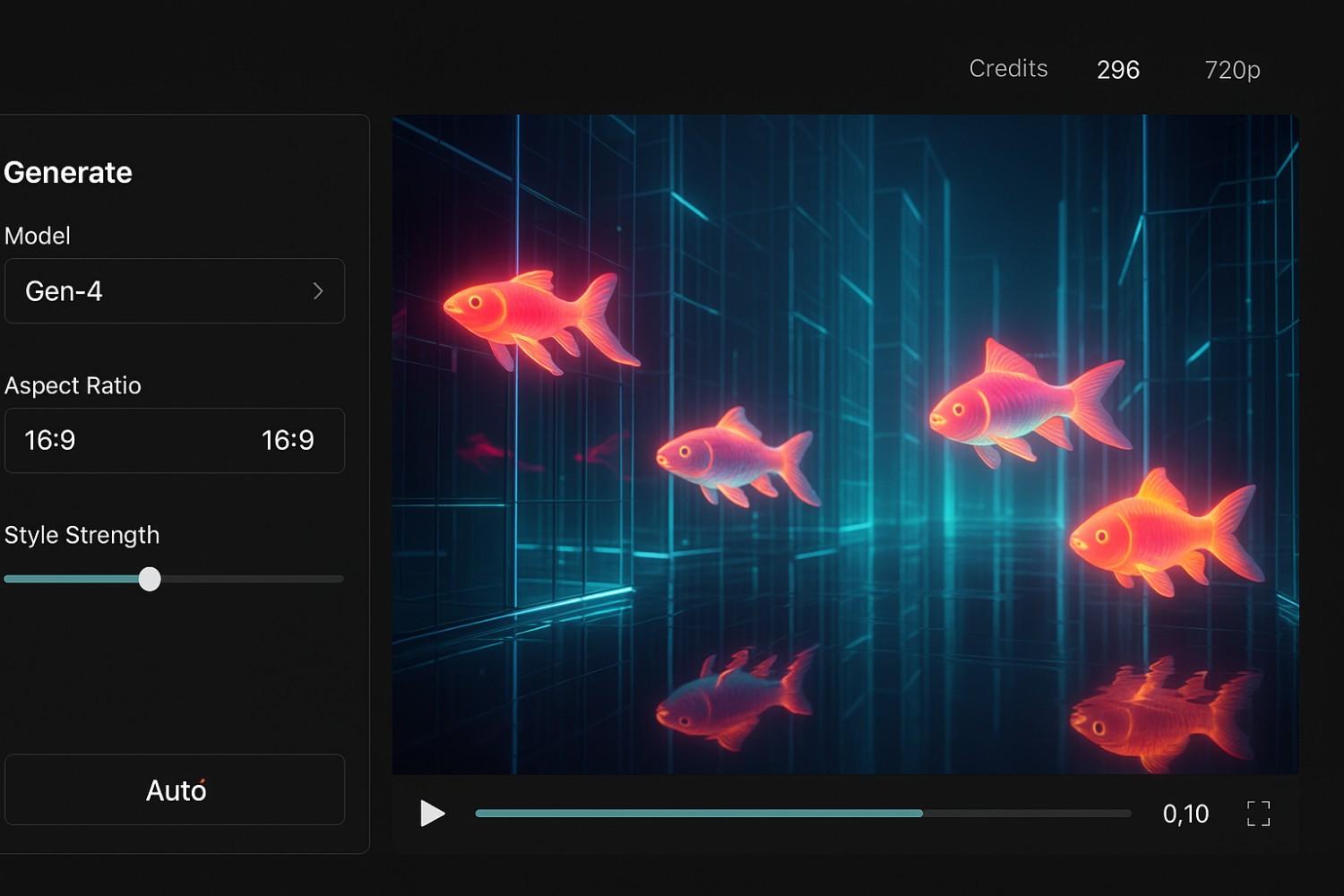
Runway feels more like an AI laboratory than a template tool. Type a prompt—such as "neon koi fish swimming through a glass city"—and the latest Gen-4 Video model produces a five-second, 720p clip without a watermark.
What you get for free
According to Runway's help center, each new account unlocks a one-time grant of 125 credits. Gen-4 charges 12 credits per second, so a five-second render uses about 60 credits. You can run two full experiments, or several shorter tests, before the meter reaches zero. Credits never expire, yet they do not refill on the free tier.
Advantages
-
Cutting-edge AI model: Gen-4 represents some of the most advanced text-to-video technology available, producing results that often surprise even experienced creators.
-
Creative flexibility: Text-to-video prompts unlock truly experimental concepts that would be impossible or prohibitively expensive to film traditionally.
-
Professional toolkit: Beyond video generation, Runway includes AI training tools, motion tracking, and green screen removal that free users can explore.
-
Non-expiring credits: Unlike daily tokens, your 125 credits remain available indefinitely, letting you wait for the perfect project rather than rushing to use them.
-
Higher resolution than competitors: 720p beats Leonardo's 480p limit, making outputs more versatile across platforms.
-
Community and learning: Active Discord community and extensive tutorials help newcomers master prompt engineering quickly.
Disadvantages
-
One-and-done credits: No daily refresh means the free tier is essentially an extended trial rather than a sustainable workflow option.
-
Expensive credit consumption: At 12 credits per second, you burn through your allocation quickly, getting only two five-second clips at most.
-
Five-second hard limit: Like Leonardo, the short duration makes narrative or instructional content nearly impossible.
-
Steep learning curve: Prompt engineering requires practice; expect your first few attempts to miss the mark entirely.
-
No image-to-video on free tier: You're restricted to text prompts, eliminating the option to animate existing artwork without upgrading.
-
Render wait times: High demand can push generation times past five minutes during peak hours.
Pictory: turn a blog post into a ready-to-share video

Most AI video apps start with a blank prompt. Pictory starts with a URL. Paste your article, click Generate, and the platform slices the text into short scenes, layers royalty-free clips, and adds an AI voice-over. About ten minutes later, you can download a captioned video that looks editor-made.
What you get for free
Pictory's trial lasts 14 days and covers three video projects, up to 15 total minutes, with no watermark on exports, according to the company's pricing page. Once you reach either limit, downloads pause until you upgrade; the entry-level Starter plan costs $19 per month
Advantages
-
Content repurposing automation: Transforms existing blog posts, scripts, or articles into video with minimal manual editing, saving hours per project.
-
Built-in voiceover: AI narration eliminates the need for recording equipment, voice actors, or post-production audio editing.
-
Automatic captioning: Generates accurate, synchronized subtitles that boost accessibility and social media engagement without third-party tools.
-
Royalty-free stock library: Access to millions of clips and images means you never start with a blank canvas.
-
Scene intelligence: The AI intelligently breaks long text into digestible segments, matching visuals to context better than random B-roll.
-
Brand kit support: Upload logos, fonts, and colours once; Pictory applies them consistently across all projects during the trial.
-
Multiple aspect ratios: Export to landscape, square, or vertical formats without rebuilding the entire video.
Disadvantages
-
Strict time limit: 14 days and three videos means you need to decide quickly whether the platform fits your workflow before paying.
-
Getty watermarks persist:* The most visually striking stock footage remains branded on free exports, keeping you toward generic alternatives or an upgrade.
-
Desktop-only editing: No mobile app means you can't edit on the go, and even tablets feel clunky compared to proper Chrome on Windows or Mac.
-
Limited customization depth: Template-driven approach sacrifices granular control over timing, transitions, and effects that experienced editors expect.
-
Voice quality variance: AI narration sounds natural for straightforward scripts but struggles with technical jargon, emotional emphasis, or varied pacing.
-
No collaborative features on free tier: Teams can't review or edit together without upgrading to higher-priced plans.
-
Force-bringing removal: You must actively toggle off Pictory's outro card; it defaults to on, which technically violates true "watermark-free" status
Capcut: unlimited social video with no-logo downloads
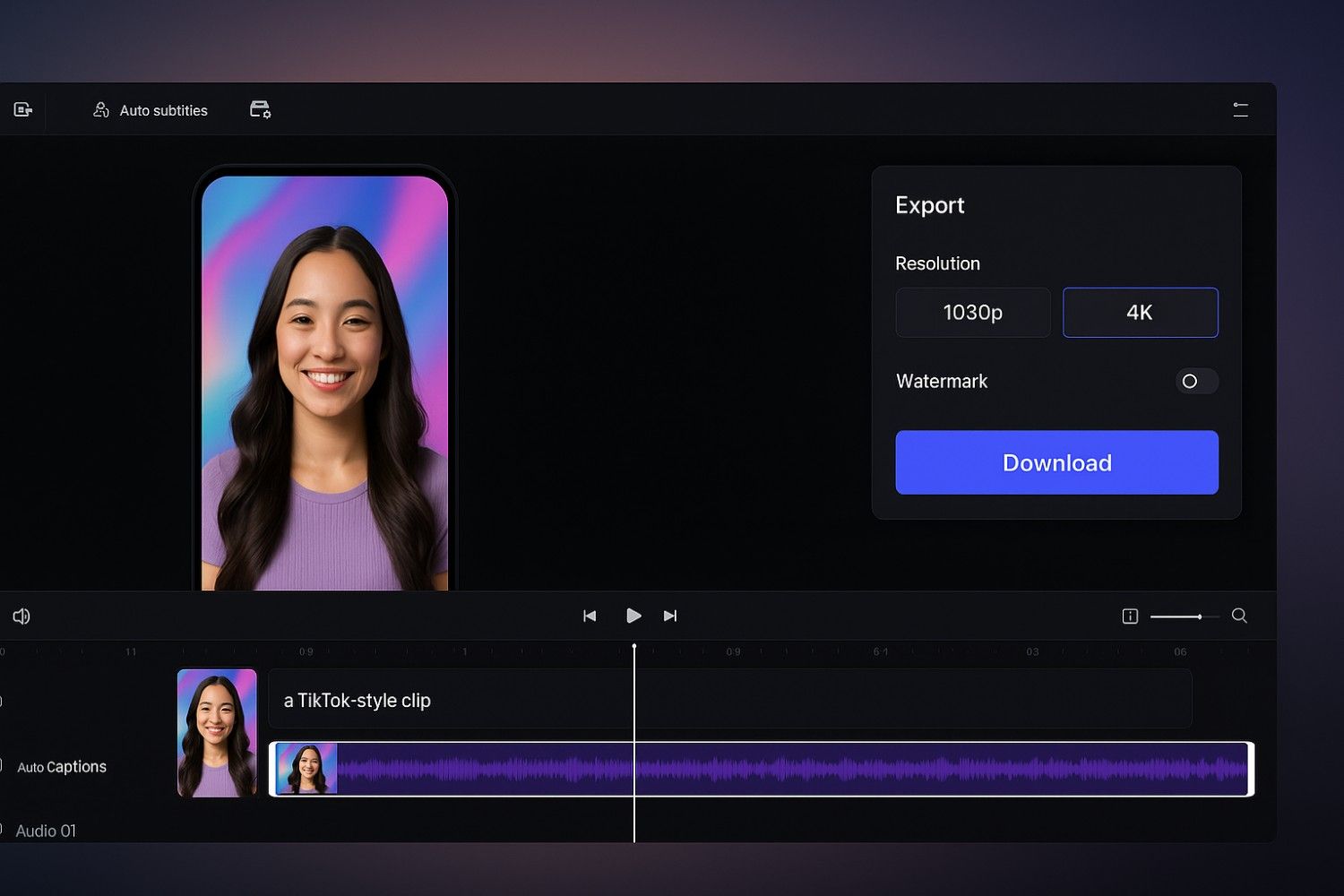
CapCut's web editor feels like a creative playground. Type a prompt or drop raw footage, and its AI stitches clips, captions, and music into a ready-to-post short. Click Export, choose a resolution (up to 4K on desktop), and the file downloads without a CapCut logo.
What you get for free
CapCut does not meter projects, minutes, or daily tokens. Core exports stay watermark-free, only certain premium effects or mobile templates add a small tag you can remove by watching a short ad or upgrading. In daily use, most creators never hit a paywall.
Beyond auto-generation, you get a full timeline editor, automatic subtitles, background removal, and the option to build an AI avatar from your own selfie. New template packs arrive each week to keep TikToks, Reels, and Shorts on trend.
Advantages
-
- Truly unlimited creation: No project caps, no daily token limits, no trial clocks—create as many videos as you need without watching a meter.
-
4K export capability: Rare among free tools, desktop users can render in full 4K resolution, future-proofing content for high-resolution displays.
-
Comprehensive editing suite: Full timeline control with multi-track audio, keyframe animations, and precision trimming rivals paid desktop software.
-
Auto-captions with styling: Generated subtitles come with trendy animation presets that match current TikTok and Instagram Reels aesthetics.
-
Weekly template updates: Fresh, trend-aware templates mean your content won't look dated even months after joining.
-
Cross-platform sync: Start editing on mobile, finish on desktop, or vice versa, with projects saved to the cloud automatically.
-
AI avatar creation: Generate a digital presenter from a single selfie, useful for faceless channels or multilingual content.
-
Massive music library: Thousands of licensed tracks covering every genre, all cleared for commercial use on social platforms.
-
Background removal without green screen: AI-powered chroma key works on any footage, saving time and equipment costs.
Disadvantages
-
ByteDance data concerns: Owned by TikTok's parent company, CapCut's data handling raises privacy flags for corporate, government, or sensitive projects.
-
Vertical-first design: Interface and templates heavily favour 9:16 aspect ratio, creating horizontal videos feels like fighting the tool's intentions.
-
Effect quality inconsistency: Free effects range from professional to amateurish, you'll need to test extensively to find keepers.
-
Limited advanced colour grading: Lacks the curves, LUTs, and node-based controls that professional colorists expect.
-
Ads for premium removal: Some premium effects force you to watch 30-second ads to remove watermarks, interrupting workflow momentum.
-
Mobile app differs from web:Features aren't perfectly synced; some powerful tools exist only on one platform.
-
Rendering speed variability: Free tier gets lower priority in the render queue, occasionally leading to extended export waits during peak times.
-
Customer support limitations: Free users rely primarily on community forums rather than direct support channels.
-
Storage caps on cloud saves: Projects sync across devices, but heavy users may hit the free storage ceiling and need to delete old work.
Conclusion
Each tool carves out a distinct niche in the no-watermark landscape. Leonardo.ai suits designers who need daily micro-animations. Runway serves concept artists chasing experimental visuals. Pictory accelerates content marketers turning text into video. CapCut dominates the social media grind with unlimited, trend-ready exports.
Your choice hinges on three questions: How many videos do you create each week? What resolution do your platforms demand? And how much creative control must you keep versus letting AI decide?
Answer those, match them to the advantages and disadvantages above, and you'll land on the platform that keeps your brand front and center—with the software invisible.
An AI video maker is a tool that uses artificial intelligence to automatically generate or edit videos. These platforms can create scripts, scenes, voiceovers, animations, and transitions with minimal manual work.
Yes. The tools featured in the review offer free export options without watermarks, though some may include optional paid upgrades for advanced features like HD exports or premium templates.
Absolutely. Most of the listed platforms are designed with beginners in mind. They offer drag-and-drop editors, automatic scene generation, and pre-built templates, making video creation simple even for non-technical users.
You can create a variety of content such as explainer videos, social media reels, promotional videos, YouTube content, educational clips, and product showcases—depending on the features of each tool.
No. Since most AI video makers run in the cloud, they work smoothly on regular laptops or even mobile devices. You only need a stable internet connection.